
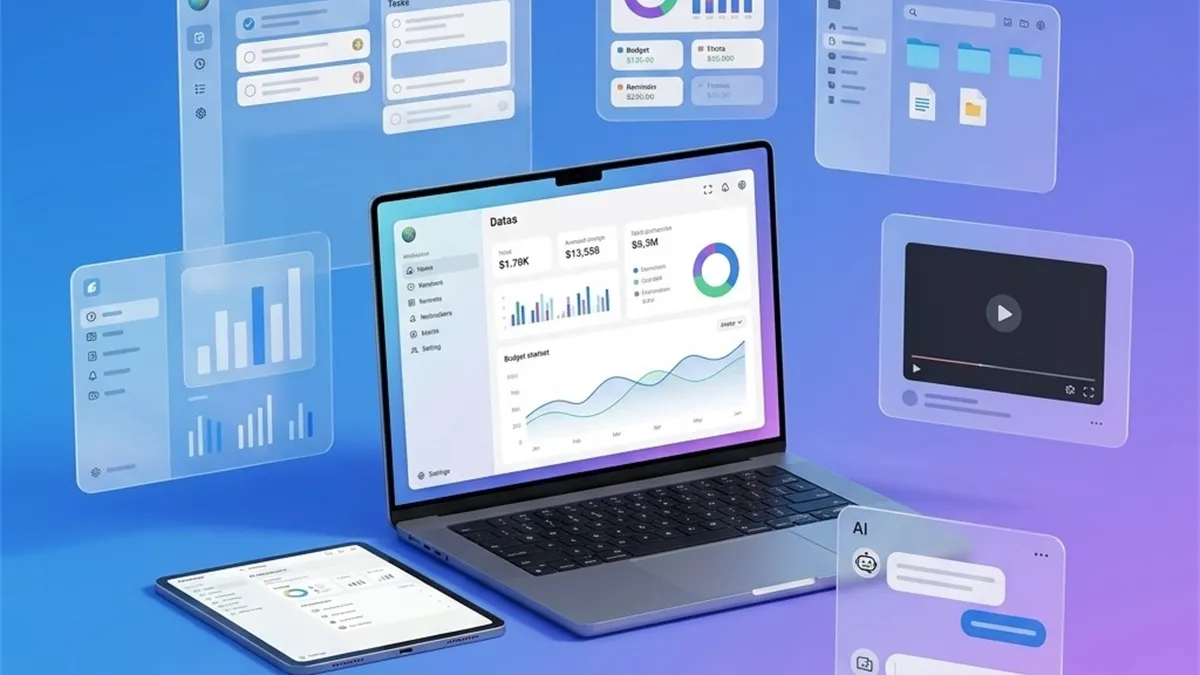
productivity
How to Take Better Notes: A Simple System That Actually Sticks
A practical, no-fluff note-taking system you can start today — capture fast, organize lightly, and never lose an idea again.
English
Notifications, a chaotic home screen, 200 unread notes. Here's a calm, repeatable way to declutter your phone and keep it that way.
Your phone is the most-used tool you own — and usually the messiest. A quick declutter won’t just make it look nicer; it makes everything you do on it faster and calmer. Here’s a four-step reset you can finish in an afternoon.
Notifications are interruptions you agreed to without meaning to. Go to settings and be ruthless:
You’ll be amazed how much quieter your day gets.
Your home screen should hold the 6–8 apps you actually use daily. Everything else goes in the app library or a folder.
This is where things pile up. Set a 15-minute timer and:
If your note app makes this hard, that’s a sign. A good one lets you search, organize, and delete in seconds.
Decluttering once feels great; keeping it clean is the real win. Once a week, spend five minutes doing a mini version of the above. Put it on a recurring reminder so you don’t have to remember.
A calm phone starts with a calm capture habit — one place for ideas, tasks, and reminders that opens instantly and syncs when you want. That’s exactly what QuickNote: Simple Notes is built for. Do the reset once, then let a five-minute weekly habit keep it that way.
A practical, no-fluff note-taking system you can start today — capture fast, organize lightly, and never lose an idea again.
Clipboard Manager 2.0 is search, history, snippets, and privacy — not another overlay that copies what Android already copied.
English AI suites miss tone, forms, and chat apps. Productivity that speaks the local stack is still open.